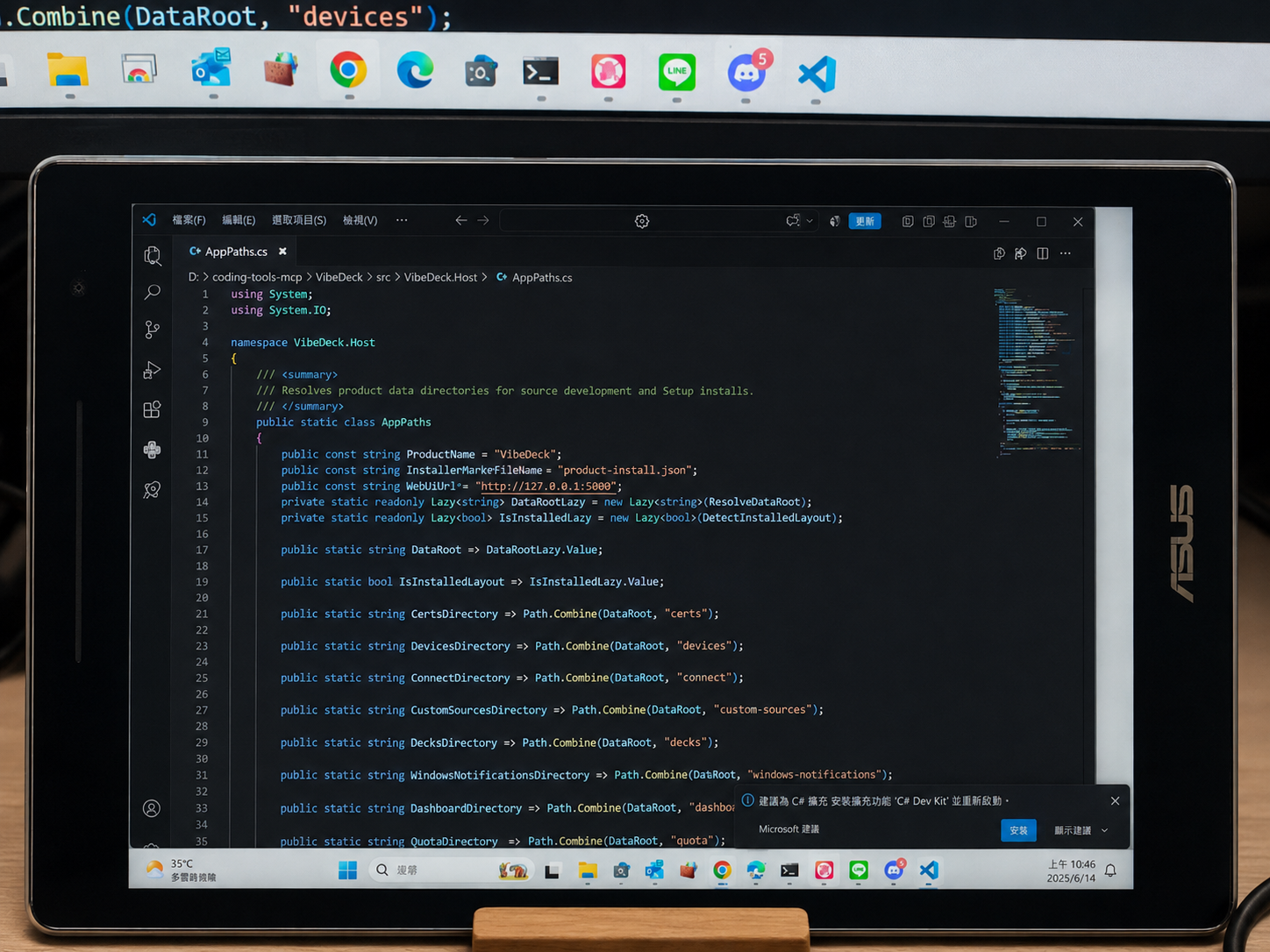
Why
Why I built it
Old phones, tablets, and e-readers end up sitting in drawers. Putting them back to work meant treating an extra Windows monitor and an at-a-glance status panel as two distinct modes.
What I built
What I built
- A Windows host paired with a zero-install browser client on secondary devices.
- Display mode spins up a real Windows virtual display over WebRTC H.264 with input relay, backed by Cloudflare TURN and a JPEG fallback.
- Deck mode renders native HTML / CSS / JS in the device browser so small text stays razor sharp.
Engineering
Problems I worked through
- Display mode handles virtual displays, video streaming, and input return, while Deck mode renders directly in the browser so text avoids compression artifacts.
- Host smoothness isn’t enough on legacy devices—refresh rates and transport have to adapt to the client; all public screenshots are real-device captures.
Role & AI
How I split the work with AI
I drew the line between Display and Deck modes, built the Windows host, web client, and release scripts with coding agents, and tested on spare hardware around the house.
Trade-offs
What testing made me change
- Tried lower-latency streaming paths and scrapped them when live benchmarks didn’t beat the baseline; lowering FPS on older hardware helps far more than extra architecture.
Outcome
Outcome
Open source with Windows releases, showcased with a live extended display, AI-quota board, and custom Decks.